Onboarding Flows That Convert: The 'Aha!' Moment
Overwhelming users with tooltips is the fastest way to make them quit. This 3,000-word guide breaks down the 'Success Path Architecture' to get users to their first 'Aha!' moment in under 60 seconds.

The Hidden Revenue Leak: Why Onboarding Breaks Growth
Most startups think their acquisition problem is a traffic problem. In reality, many have an onboarding problem disguised as a marketing problem. If users sign up and fail to reach value quickly, every dollar spent on acquisition becomes less efficient.
The numbers are brutal. Across SaaS and consumer products, early activation remains one of the strongest predictors of retention. If a user does not reach a meaningful first win in the first session or first day, their odds of returning collapse. Product teams often spend months refining acquisition campaigns while leaving a broken first-run experience untouched.
In 2025-2026, expectations have also changed. Users compare your onboarding against the best software experiences they use every day: Notion, Slack, Linear, Duolingo, Canva, Figma. They do not care that your app is new. They expect speed, clarity, and guidance.
Poor onboarding usually fails in one of four ways:
Your onboarding flow has one job: get the user to their first meaningful outcome as fast as possible. Everything else is secondary.
Core Framework: Time-to-Value and the Success Path Architecture

The best onboarding systems are not feature tours. They are success-path engines.
Key Concept 1: Time to Value (TTV)
Time to Value is how long it takes a new user to experience a result that proves your product is useful.
The shorter the TTV, the stronger the activation curve.
Key Concept 2: The Aha Moment
The Aha Moment is the point where the user emotionally understands why your product matters.
It is not when they complete your signup form.
It is not when they finish the product tour.
It is when they feel, "Oh, this solves something for me."
Key Concept 3: Progressive Disclosure
Do not explain the whole product. Reveal features only when they become relevant.
A good onboarding flow removes cognitive load by sequencing complexity.
Key Concept 4: Success Path Architecture
A practical onboarding framework looks like this:
Hook — reduce signup friction and start momentum
Guide — direct the user to the most important first action
Reward — show the value clearly and visibly
Expand — introduce secondary features only after activation
If you optimize these four stages, retention improves more reliably than with cosmetic UI changes.
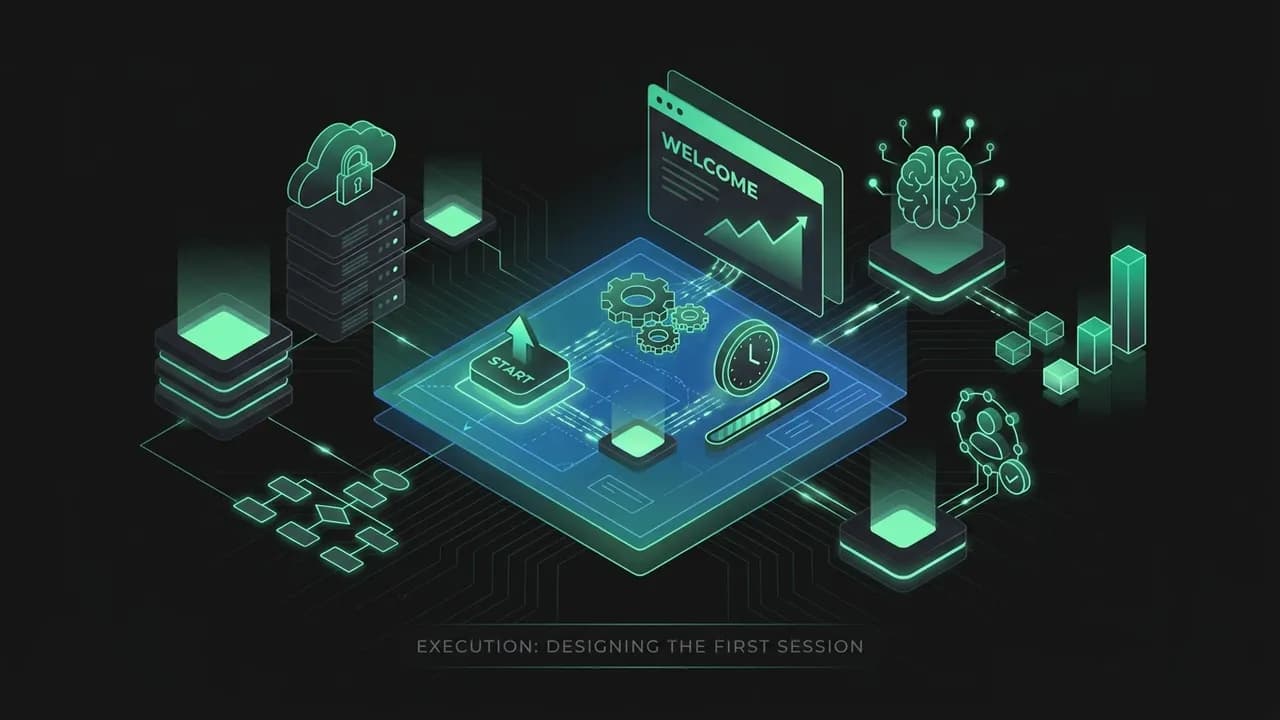
Execution: Designing the First Session
1. Remove Friction Before the First Win
Ask only for information required to unlock value. Every unnecessary field is an opportunity for abandonment.
2. Personalize the Path
Ask one simple segmentation question during onboarding:
This lets you route the user to the correct starting path instead of forcing a generic tour.
3. Replace Blank States with Guided Momentum
Empty dashboards are wasted surfaces.
Use them to provide:
4. Turn Tours into Actions
Most tours fail because they explain instead of guiding.
A better model is task-based onboarding:
5. Reward Completion
After the first success, make the win visible.
Use:
The reward matters because it converts completion into memory. Users come back to products that made them feel progress.
Advanced Strategies: Cohorts, Nudges, and Recovery Loops
Not all users onboard the same way. The more mature your product, the more your onboarding should adapt to intent and behavior.
Cohort-Based Onboarding
Different users want different first wins.
Map onboarding by user role or desired outcome where possible.
Behavioral Nudges
Use product data to detect stalled onboarding.
Examples:
Then trigger contextual nudges:
Recovery Loops
A good onboarding system includes a rescue path.
If the user fails to activate on day one, the journey is not over.
Use a 3-part recovery flow:
remind them what value they have not reached yet
make the next action easier
give them human or automated support
The products that win are not the ones where nobody gets stuck. They are the ones that recover users efficiently when they do.
Real-World Examples: How Great Products Reduce Time to Value
Example 1: Slack
Slack's onboarding works because it quickly gets teams into a shared environment where messaging, channels, and collaboration become obvious through use.
Example 2: Duolingo
Duolingo gets users into an immediate lesson instead of showing an empty dashboard and a long tour.
Example 3: Canva
Canva reduces blank-state anxiety with templates, examples, and a fast path to producing a usable output.
Example 4: Notion
Notion improved adoption through templates and use-case entry points rather than asking users to design their entire workspace from zero.
Example 5: Figma
Figma demonstrates product value through immediate collaboration and sample workspaces.
Common Pitfalls & How to Avoid Them
Pitfall 1: Explaining the whole product too early
Users do not need a full map before the first step.
Pitfall 2: Blank dashboards with no direction
Empty UI creates uncertainty and abandonment.
Pitfall 3: Long signup forms
Every extra field adds drop-off risk.
Pitfall 4: No visible reward after activation
If the user completes the first action but feels no momentum, retention suffers.
Pitfall 5: Treating all users the same
Different roles need different paths.
Pitfall 6: No recovery sequence
Many users leave not because they hate the product, but because they got interrupted.
What to Measure in Onboarding
To improve onboarding, measure behavior—not just signups.
Core Metrics
Useful Diagnostic Questions
The goal is to connect onboarding data with retention, not treat onboarding as a separate UX project.
Actionable Conclusion: Build for the First Win, Then Expand
The best onboarding flows are not the most polished. They are the most direct. They take a distracted new user and guide them toward a result before doubt, confusion, or interruption take over.
Your Next 5 Steps
Define the one activation event that best predicts long-term retention.
Remove at least 2 unnecessary fields or decisions before that moment.
Replace one blank state with a guided template or checklist.
Add a recovery sequence for users who stall before activation.
Review onboarding metrics weekly alongside retention, not in isolation.
SEO / Optimization Notes
This guide should naturally target keywords like onboarding flow, user onboarding, time to value, product activation, and aha moment. The meta description should emphasize faster activation and better retention. Internally, this guide should connect to churn, feature adoption, personalization, and in-app messaging content once the rest of Module 4 is expanded.
When onboarding works, acquisition gets cheaper, retention improves, and growth compounds. The first session is not a tutorial. It is your first real conversion moment.
Journey Mapping: The First 24 Hours Matter More Than the First 30 Days
Many teams over-focus on long-term lifecycle messaging and under-invest in the first 24 hours after signup. That window is where habits begin, expectations are formed, and trust is either strengthened or lost.
Map the first 24 hours in detail:
This map helps you identify where users hesitate, where they get distracted, and where product or messaging can reduce confusion. The more visible this journey is to the team, the easier it is to fix.
The Onboarding Email Sequence That Supports Product Activation
Onboarding is not only in-product. Email still plays a major role in recovery and reinforcement.
Simple 4-Email Onboarding Sequence
Welcome + next step
Reinforce the one action that unlocks value.
Quick win reminder
Show what activated users typically do first.
Social proof
Share a short case study from a similar user.
Help email
Offer support, office hours, or a walkthrough video.
The best onboarding emails are short, direct, and tied to actions inside the product—not generic brand storytelling.
Advanced Examples: What the Best Onboarding Teams Do Differently
Example 6: Loom
Loom reduces time to value by pushing users to record and share quickly instead of learning the whole interface first.
Example 7: Linear
Linear's onboarding is minimal because the product is opinionated. Fewer choices make the first workflow easier to understand.
Example 8: Miro
Miro uses templates and role-based setup prompts to reduce blank-canvas fear.
Team Playbook: How Product, Marketing, and Support Work Together
Great onboarding is cross-functional.
A weekly onboarding review should answer:
This turns onboarding into a company-level growth system, not just a UX checklist.
Activation Benchmarks and Diagnostic Signals
A useful onboarding benchmark set helps teams understand whether their problem is friction, messaging, or poor-fit traffic.
Useful Signals to Watch
The exact targets vary by category, but the pattern is consistent: teams that shorten time-to-value and increase first-session completion almost always see downstream retention improve. If your onboarding conversion is weak, acquisition scale will only magnify waste.
Final Playbook: What to Change This Week
If you want immediate onboarding gains, start with the smallest high-leverage fixes.
Watch five new-user sessions from signup to exit.
Identify the one screen where confusion spikes.
Remove one field, one choice, or one explanation block from that path.
Add one template, sample project, or guided action to the weakest blank state.
Write one short recovery email tied to the exact incomplete step.
Small onboarding improvements often produce disproportionately large retention gains because they affect every new user who enters the product.
Key Takeaways
Define one activation action that represents real value and engineer the shortest path to it.
Use progressive disclosure: teach only what the first win needs, not the whole product.
Measure activation rate and time-to-value, not just sign-ups, to find where onboarding leaks.
Study Indian apps like Zerodha Kite, Groww, and CRED that compress sign-up to first value.
Iterate on the highest drop-off step in the first session every week.
Frequently Asked Questions
What is user onboarding?
What is the 'aha moment'?
How do you design a product onboarding flow?
What are good onboarding flow examples?
What are common onboarding mistakes?
What onboarding metrics should you track?
Your Turn: The Action Step
Aha-Moment & Activation Map
Define your one measurable 'aha' moment, map the shortest path to it, and cut every step that delays it.
Name the aha moment
Finish: 'The user gets it the moment they ______.' One sentence, no jargon.
Turn it into a trackable event
Define the exact in-product event(s) that prove the moment happened.
Map the current path
List every step from signup to aha, and mark where users drop.
| Step | What user does | % who reach this step | Drop-off? |
|---|---|---|---|
Cut or defer friction
For the biggest drop, decide: remove, defer, or auto-complete it.
| Friction point | Remove / Defer / Auto | Expected lift |
|---|---|---|
Write the activation nudge
One message (email/push/WhatsApp) that pulls a stalled user back to the aha moment.
Set the activation target
Current rate, target rate, and the date you'll re-measure.
| Activation rate now | Target | Re-measure by |
|---|---|---|
Before you close this
0/5 doneYour answers are saved in this browser only. Use “Download as PDF” to keep a copy.
Your Customers Can Become Your Best Sales Team
Ready to apply this?
Stop guessing. Use the Litmus platform to validate your specific segment with real data.
Fix Your Onboarding