Push Notifications: Helpful vs. Annoying
Spamming users on their lock screen is the fastest way to get deleted. This 3,000-word guide breaks down the 'Notification Value Matrix' and the technical architecture required to be helpful, not annoying.
Why Push Notifications Feel Broken for So Many Products
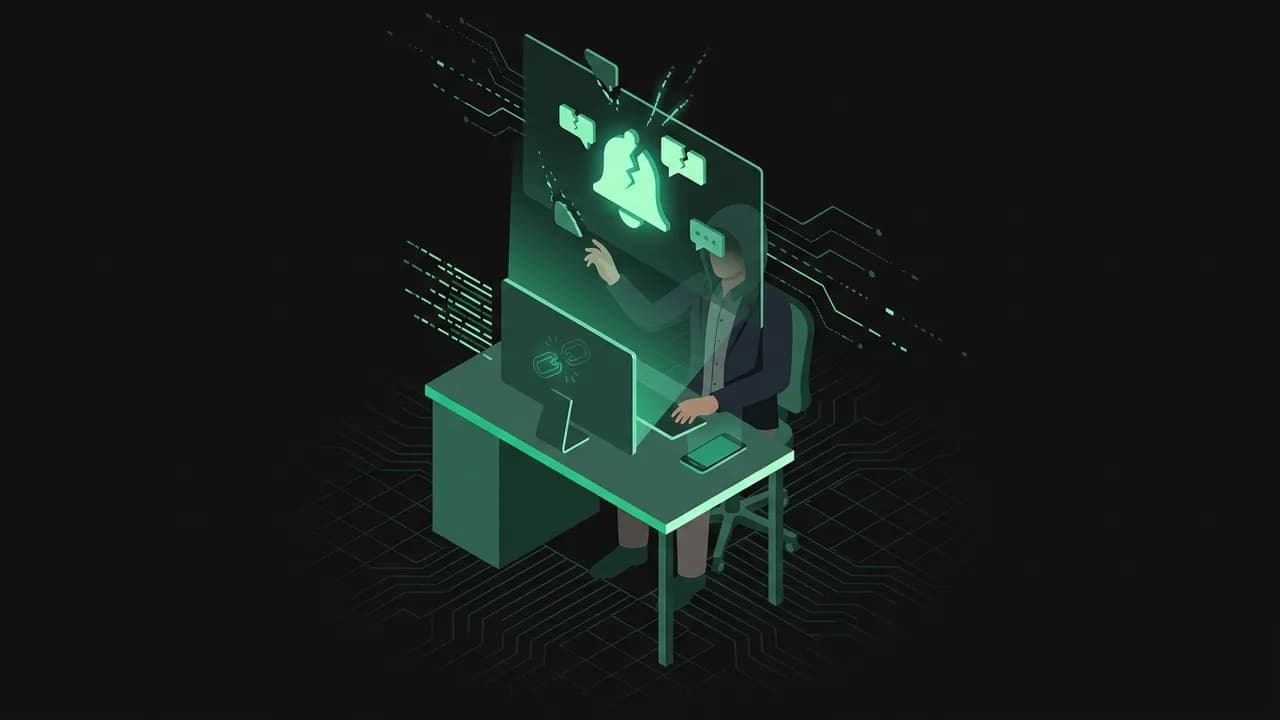
Push notifications are one of the highest-leverage engagement tools in modern products—and one of the easiest to misuse. When they are timely, relevant, and tied to genuine user value, they can drive reactivation, habit formation, and conversion. When they are generic, excessive, or manipulative, they train users to mute, ignore, or uninstall your app.
In 2025-2026, this tension is sharper than ever. Users live inside crowded notification environments across phones, desktops, browsers, wearables, inboxes, and messaging apps. Every product competes not only with direct category peers, but with every other piece of software trying to interrupt attention. That means your notification is not evaluated in isolation—it is judged against a constant stream of interruptions.
The mistake many teams make is treating push notifications as a traffic channel. They are not just a broadcast surface. They are a trust surface. Every notification teaches the user what opening your app again will feel like. If the message is useful, trust increases. If the message wastes attention, trust declines.
That is why push strategy is not really about copywriting alone. It is about context, timing, behavior design, and restraint. The goal is not to send more pushes. The goal is to send fewer, better ones that create a meaningful next action.
Core Framework: Relevance, Timing, Intent, and Frequency
A strong push notification system is built on four variables.
1. Relevance
Does the message connect to something the user actually cares about right now?
2. Timing
Even a relevant notification fails if it arrives at the wrong moment.
Good timing depends on:
3. Intent
What should the user do next?
A push works best when the next action is obvious:
4. Frequency
Too many notifications destroy the channel.
A healthy push program uses frequency caps, suppression rules, and channel coordination so the user does not get hit with the same prompt via app, email, SMS, and browser all at once.
The Push Value Test
Before sending any notification, ask:
If the answer to two or more is no, do not send it.
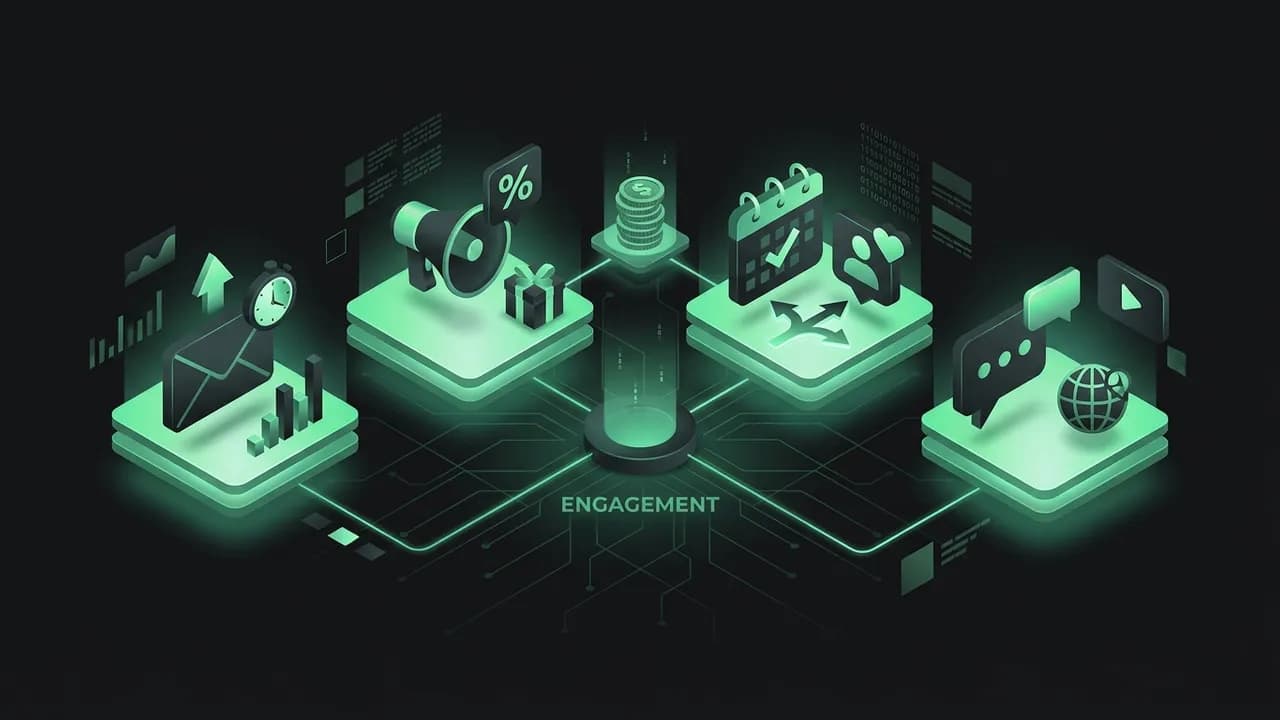
The Main Types of Push Notifications and When to Use Them
Transactional Notifications
Messages triggered by clear user-relevant events.
Examples:
These usually perform well because the user expects them.
Behavioral Nudges
Messages based on inactivity or partial completion.
Examples:
These work when tied to a specific unfinished action, not generic "we miss you" language.
Social Notifications
Messages triggered by other users.
Examples:
These can be powerful because they tap into existing social intent.
Milestone Notifications
Messages celebrating progress.
Examples:
These help reinforce value when the milestone is meaningful.
Promotional Notifications
Messages tied to offers, launches, or campaigns.
These should be used carefully because they consume trust fastest.
They work best when:
Execution: How to Design a Push System Users Don’t Hate
1. Start With the User Journey
Map where notifications support real progress:
2. Segment Aggressively
Do not send the same message to everyone.
Segment by:
3. Write Like a Human
Push copy should be short, specific, and action-oriented.
Weak: "Open the app now!"
Better: "Your draft is still waiting—finish and publish in 2 taps."
4. Deep-Link the Next Action
Every push should open the exact screen tied to the promise.
If a message says "3 teammates replied," do not dump the user on the home screen.
5. Coordinate Channels
A user who already received an email and an in-app prompt may not need the same push. Cross-channel orchestration prevents spam and improves trust.
6. Build Suppression Rules
Suppress notifications when:
Real-World Examples: Push Notifications That Create Value
Example 1: Duolingo
Duolingo's reminder system works because it ties directly to a user goal: practice consistency.
Example 2: Slack
Slack notifications work because they are tied to active collaboration and can be fine-tuned heavily.
Example 3: Delivery apps
Order-status pushes are useful because they reduce uncertainty around a real-world event.
Example 4: Fitness and habit apps
Good products remind users at the moments they usually engage, not randomly.
Example 5: Marketplace apps
Saved-search alerts or price-drop notifications work because they align with explicit user intent.
Common Pitfalls & How to Avoid Them
Pitfall 1: Sending generic blast notifications
Broad messages without context train users to ignore you.
Pitfall 2: Over-notifying
Volume destroys trust.
Pitfall 3: Misleading copy
If the promise in the notification is weaker than the experience after open, users feel tricked.
Pitfall 4: No deep linking
Users click but land in the wrong place.
Pitfall 5: Ignoring user control
If people cannot manage preferences, the only control left is mute or uninstall.
Pitfall 6: Measuring only open rate
A notification can get opened and still create no value.
What to Measure in Push Notification Strategy
Push performance should be measured by user outcomes, not just clicks.
Core Metrics
Useful Diagnostic Views
A good push program improves engagement without increasing annoyance signals.
Actionable Conclusion: Treat Push as a Trust Channel
Push notifications work best when they help the user continue something valuable, not when they try to steal attention for its own sake.
Your Next 5 Steps
Audit your current push notifications by relevance, timing, and action clarity.
Remove one generic blast campaign that adds little value.
Add deep-linking to at least one high-intent notification flow.
Create frequency caps and suppression rules for overlapping campaigns.
Measure downstream action completion, not just opens.
SEO / Optimization Notes
This guide should naturally include keywords like push notifications, notification strategy, mobile engagement, user retention, and notification best practices. The meta description should emphasize sending useful notifications that drive engagement without annoying users. Internally, this guide should connect to habit formation, onboarding recovery, gamification, churn reduction, and customer messaging guides.
The notification channel is powerful precisely because it can interrupt. Use that power carefully, and users will reward you with attention. Abuse it, and they will remove you from their world.
The Psychology of Interruption and Attention
Push notifications sit at a delicate psychological edge. They work because they interrupt, but interruption is only tolerated when the user believes the interruption may be useful.
Three forces shape how users react:
This is why push performance cannot be separated from user trust. A notification strategy should not ask, "Can we get more opens?" It should ask, "Can we earn more permission to interrupt?"
Opt-In Strategy: Earning Permission Before You Ask
Many apps ask for notification permission too early, before the user has seen enough value to say yes. That usually depresses opt-in quality.
A better sequence is:
let the user experience product value first
explain what notifications will help them do
ask at the moment the value is obvious
Examples:
Permission requests should frame the benefit clearly: updates, reminders, responses, price changes, progress, or delivery events. Users opt in when the promise feels concrete.
Advanced Examples: Where Push Strategy Creates a Competitive Advantage
Example 6: Fintech balance and fraud alerts
Notifications perform well when they reduce risk or uncertainty around money.
Example 7: Collaborative work tools
Tools like project managers and messaging apps gain advantage when their notifications are timely, actionable, and configurable.
Example 8: Ecommerce back-in-stock and price-drop alerts
These notifications can convert strongly because they map to explicit intent the user already created.
Example 9: Wellness or habit apps
The best reminders align with established routines instead of nagging randomly.
Channel Orchestration: Push, Email, SMS, and In-App Together
Push should not operate in a silo. Many engagement problems come from sending the same message across every channel without coordination.
A Better Channel Logic
The best teams define channel priority rules. If a user responds in-app, suppress the email. If the event expired, suppress the push. If the user disabled push, route the reminder differently. This reduces fatigue and improves trust.
Testing and Optimization: What to Experiment With
Push performance improves when teams test behaviorally meaningful variables instead of chasing novelty.
Test:
The important rule is to connect tests to real outcomes. A copy test that improves opens but worsens downstream completion is not a win. The channel should optimize for meaningful user action, not curiosity clicks.
Preference Centers and User Control
One of the strongest trust signals in a notification strategy is giving users real control.
A good preference center lets users manage:
This does more than reduce complaints. It helps users shape the notification stream around their own context, which often improves long-term opt-in durability.
How Push Notifications Influence Retention
When push notifications are useful, they support retention in three ways:
When they are noisy, they do the opposite: they create fatigue, reduce trust, and increase disable or uninstall behavior.
This is why push should be reviewed alongside onboarding, churn, and habit formation metrics. The channel is not just about re-engagement. It is part of the overall product relationship.
Final Playbook: What to Improve This Week
If you want immediate gains from push notifications, start with simple operational fixes:
List every notification currently sent.
Remove or suppress one low-value recurring push.
Rewrite one high-volume notification to be more specific and action-oriented.
Add deep linking for one important behavioral nudge.
Review mute, disable, and uninstall signals after the change.
Better notifications rarely come from writing more messages. They come from sending fewer interruptions with stronger context.
Key Takeaways
Every push should pass the test: would the user thank me for sending this?
Segment by behaviour and personalise with the user's own data instead of blasting everyone.
Ask for notification permission after the user sees value, using a soft pre-prompt first.
Track opt-out and OS-mute rate alongside open rate, since over-notifying kills the channel.
Time sends to the user's real context and time zone, like Swiggy order updates.
Frequently Asked Questions
What is a push notification strategy?
How do you write effective push notifications?
What are good push notification examples?
What are common push notification mistakes?
When should you ask for notification permission?
What push metrics should you track?
Your Turn: The Action Step
Push Notification Audit & Plan
Audit every push you send against relevance, timing, intent and frequency — and cut or fix the ones that erode trust.
Inventory every push you send
List all of them — transactional, behavioural, promotional. Don't skip the 'harmless' ones.
Score each on the 4 dimensions
Rate Relevance, Timing, Intent, Frequency 1-3 for each. Low total = candidate to cut.
| Notification | Relevance | Timing | Intent | Frequency | Keep/Fix/Kill |
|---|---|---|---|---|---|
Set a per-user frequency cap
Decide the max pushes one user can get per day and week, across all types.
Rewrite your worst offender
Take the lowest-scoring push and rewrite it to be relevant, targeted and well-timed.
| Old copy | New copy | New audience filter | New send time |
|---|---|---|---|
Define the opt-in ask
Write when and how you'll ask for push permission — after a value moment, not on first launch.
Before you close this
0/5 doneYour answers are saved in this browser only. Use “Download as PDF” to keep a copy.
The Community Building Framework Every Founder Needs
Ready to apply this?
Stop guessing. Use the Litmus platform to validate your specific segment with real data.
Optimize Your Alerts