CRM & Sales Automation: The Frictionless Pipeline
Stop managing leads and start engineering sales. Learn how to build a self-qualifying, high-velocity CRM that runs your sales team, not the other way around.
The Problem: The 'CRM Landfill'
The $100k Data Graveyard
“Our CRM is a mess. We have 10,000 leads, but half have no contact info, and the other half haven't been touched in six months. My sales team complains that they spend 4 hours a day on 'Data Entry' and only 1 hour on 'Selling.' We’re literally paying people to be highly-paid secretaries. When I ask for a sales forecast, I get a guess. We have a CRM, but we don't have a 'System.' We’re losing deals not because we're bad at sales, but because we're bad at 'Sales Operations.' Information is leaking out of every crack in the pipeline.”
The mistake founders make is treating the CRM as a 'Storage Bin' for data. A successful scaling company treats the CRM as an 'Operational Engine' that dictates behavior.
To scale, you must move from 'Manual Logging' to 'Frictionless Pipeline' Architecture—where the CRM automatically captures data, scores leads, and triggers the next best action, allowing your sales team to focus 100% of their energy on 'Closing' rather than 'Admin.'”
Why CRMs Become Graveyards
Most CRM systems decay because teams are asked to maintain them manually. Reps optimize for closing deals, not for updating fields, so records rot, stages drift, and forecast accuracy collapses.
Bad Data Produces Bad Decisions
If pipeline stages are stale and contact records are incomplete, leaders cannot see reality. Hiring plans, revenue forecasts, and marketing budgets start getting built on corrupted assumptions.
Admin Load Is A Hidden Tax On Growth
A salesperson doing clerical work is one of the most expensive forms of operational waste. High-value talent should spend time discovering needs, running demos, handling objections, and closing.
Pipeline Bloat Creates False Confidence
Founders often feel good when the CRM shows a large pipeline, but a bloated pipeline filled with unqualified leads only delays honest decisions. A smaller, cleaner funnel is usually healthier than a huge messy one.
Sales Ops Is Really Decision Infrastructure
The best CRM setups do not just store history. They help the company decide who deserves attention, what should happen next, and where deals are most likely to stall.
Automation Should Reduce Friction, Not Humanity
The goal is not robotic selling. The goal is to automate repetitive work so humans can show up sharper, faster, and better prepared in the moments that matter most.
Key Concepts: The Automation Stack
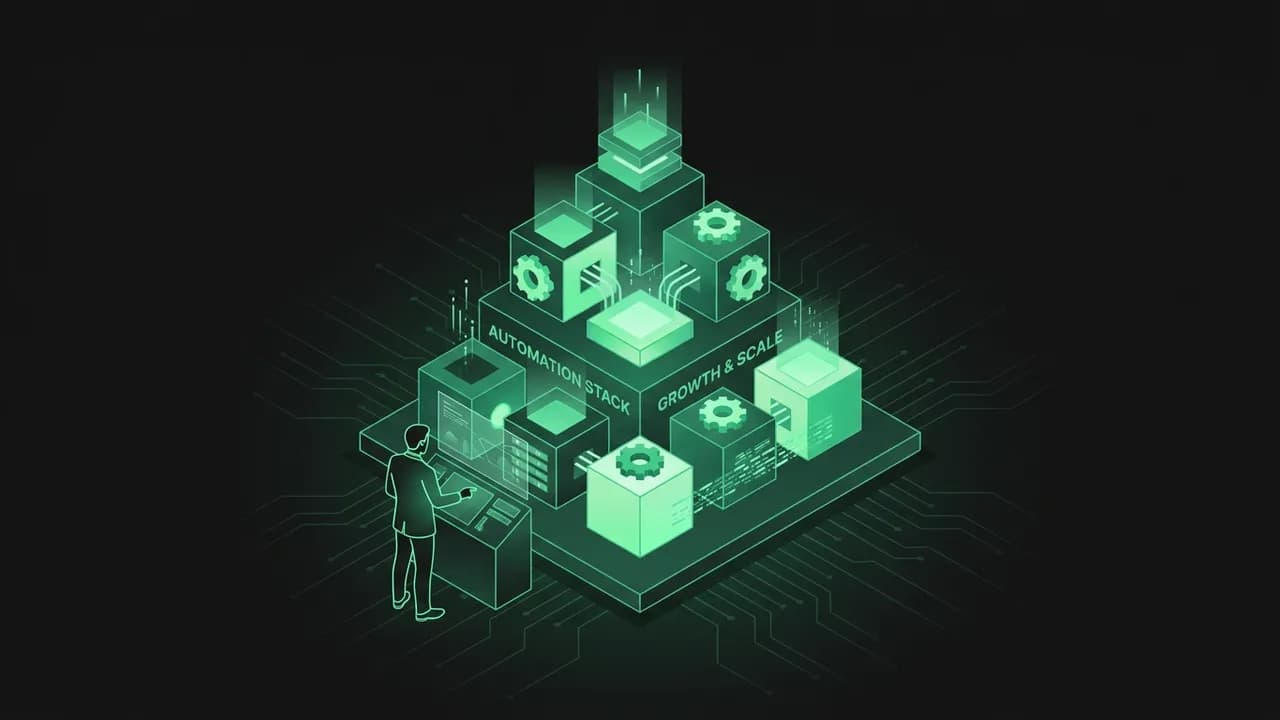
A high-velocity sales engine is built on four pillars of automated judgment.
1. The 'Zero-Keyboard' Logging
If a sales rep has to type 'Met with Bob, he liked the demo,' you have failed. Use tools like Fireflies.ai or Gong to record calls, summarize them with AI, and automatically sync the summary to the CRM record. The goal is 'Hands-Free' data capture.
2. Algorithmic Lead Scoring
Not all leads are created equal. Use a 100-point scoring system based on: (1) Fit (Firmographics/Industry), (2) Intent (Website visits/Content downloads), and (3) Authority (Job title). Only leads with a score > 70 should ever touch a human salesperson.
3. The 'Auto-Kill' Protocol
If a lead hasn't responded to 6 automated touchpoints over 14 days, the CRM should 'Auto-Kill' or 'Archive' them. Garbage leads shouldn't clutter your pipeline. You want a 'Lean' pipeline of high-probability wins, not a fat pipeline of 'Maybes.'
4. Dynamic Sales Plays
The CRM should trigger different 'Sequences' based on lead behavior. If a lead clicks a pricing link, they get an 'Urgency' email. If they watch a technical video, they get a 'Case Study.' Automation should act as the 'Sales Assistant' that never forgets a follow-up.
5. Single Source of Truth (SSOT)
If data exists in a spreadsheet but not the CRM, it doesn't exist. Your CRM must be integrated with your Marketing tool (Topic 126), your Product database, and your Invoicing tool.
Zero-Keyboard Logging Improves Accuracy
When notes are captured automatically from calls, emails, and calendar activity, the CRM becomes more trustworthy. Reps stop resisting updates because the system does the boring part for them.
Lead Scoring Protects Human Attention
Every minute spent on a low-fit lead is a minute stolen from a high-fit opportunity. Scoring creates an objective filter that keeps the team focused on where conversion odds are strongest.
Auto-Kill Rules Preserve Pipeline Integrity
Leads that never engage should not remain as emotional clutter in the funnel. Archiving them improves forecast quality and gives the team a more realistic picture of active demand.
Dynamic Plays Make Follow-Up Smarter
The best sales sequences are not static drips. They adapt to buyer behavior, interest level, and stage, making the pipeline feel responsive rather than generic.
SSOT Eliminates Departmental Mismatch
Marketing, sales, product, and finance often operate on different versions of reality. A connected CRM reduces those mismatches by centralizing commercial truth.
Good Automation Still Needs Good Definitions
If your stages, ownership rules, and qualification criteria are unclear, automation will only scale confusion faster. Strong automation begins with clear operating definitions.
The Framework: The Frictionless Pipeline
Build your sales engine using these 5 stages of automation.
Stage 1: The Enrichment Layer. A new lead enters (via form). An automation (using Apollo or Clearbit) instantly appends their revenue, tech stack, and LinkedIn profile.
Stage 2: The Scoring Gate. The system calculates the 'ICP Score.' If < 50, send to 'Self-Serve' education. If > 50, move to Stage 3.
Stage 3: The Auto-Scheduler. The CRM sends a personalized link to the lead to book a demo. No 'Email Tennis' allowed.
Stage 4: The Preparation Bot. 15 minutes before the call, the CRM DMs the salesperson in Slack with the lead’s 3 biggest 'Pain Points' identified from their website.
Stage 5: The Post-Call Trigger. Once the meeting ends, AI identifies the 'Next Steps.' Following up on a promise to 'Send a case study' happens automatically via email.
Why The Enrichment Layer Matters
The first seconds after lead capture are critical. If the system can enrich the record immediately, the team can route, personalize, and prioritize without waiting for manual research.
Scoring Gates Prevent Premature Human Touch
Many companies waste expensive sales time on people who are merely curious. The scoring layer ensures that human involvement is triggered by evidence of real fit and intent.
Scheduling Automation Speeds Momentum
Buyer intent decays quickly. Removing back-and-forth scheduling friction helps convert interest into live conversation before enthusiasm fades.
Preparation Bots Upgrade Call Quality
A rep who enters a call with account context, likely pain points, and recent behavior data can ask sharper questions and sound more prepared from minute one.
Post-Call Triggers Improve Follow-Through
Many deals die in the handoff between conversation and follow-up. Automating next-step capture ensures that promises made during the call are executed reliably.
The Pipeline Should Behave Like A System
Each stage should produce the next action automatically wherever possible. The less the rep has to remember, the more consistently the funnel performs.
Exceptions Matter More Than Routine
Automation should handle normal deal flow so humans can concentrate on exceptions: unusual objections, pricing complexity, executive alignment, and negotiation strategy.
Execution: Hardening the Engine
Step 1: The 'Ghosting' Alert
Recover deals before they rot.
Step 2: The 'One-Click' Contract
Eliminate the friction of signing.
Step 3: The 'Lost-Deals' Recycling Loop
Never let a 'No' go to waste.
Step 4: The 'Live Activity' Dashboard
Manage by data, not by 'Vibe.'
Why Ghosting Alerts Matter
Deals rarely die in dramatic ways. Most die slowly through inattention. A stalled-deal alert catches that decay early and forces a deliberate next move.
Contracts Are A Conversion Surface
If the buying process becomes cumbersome at the finish line, you lose momentum exactly when the prospect is closest to yes. Contract automation protects that fragile moment.
Lost Deals Are Future Opportunities
A closed-lost label often means 'not now,' not 'never.' Structured recycling lets the business recover value from timing mismatches, budget freezes, and internal blockers.
Dashboards Create Shared Commercial Awareness
When the team can see the same numbers in real time, coaching improves and excuses decrease. Performance conversations move from opinion to evidence.
Hardening Means Reducing Reliance On Memory
Great sales operations remove the need for heroics. If your system depends on one rep remembering every follow-up and every edge case, it is not hardened.
Operational Discipline Compounds Over Time
Each small automation may seem minor, but together they compress response times, improve data quality, and increase rep focus. Over quarters, that compound effect becomes a material growth advantage.
Case Study: The 3X Sales Velocity
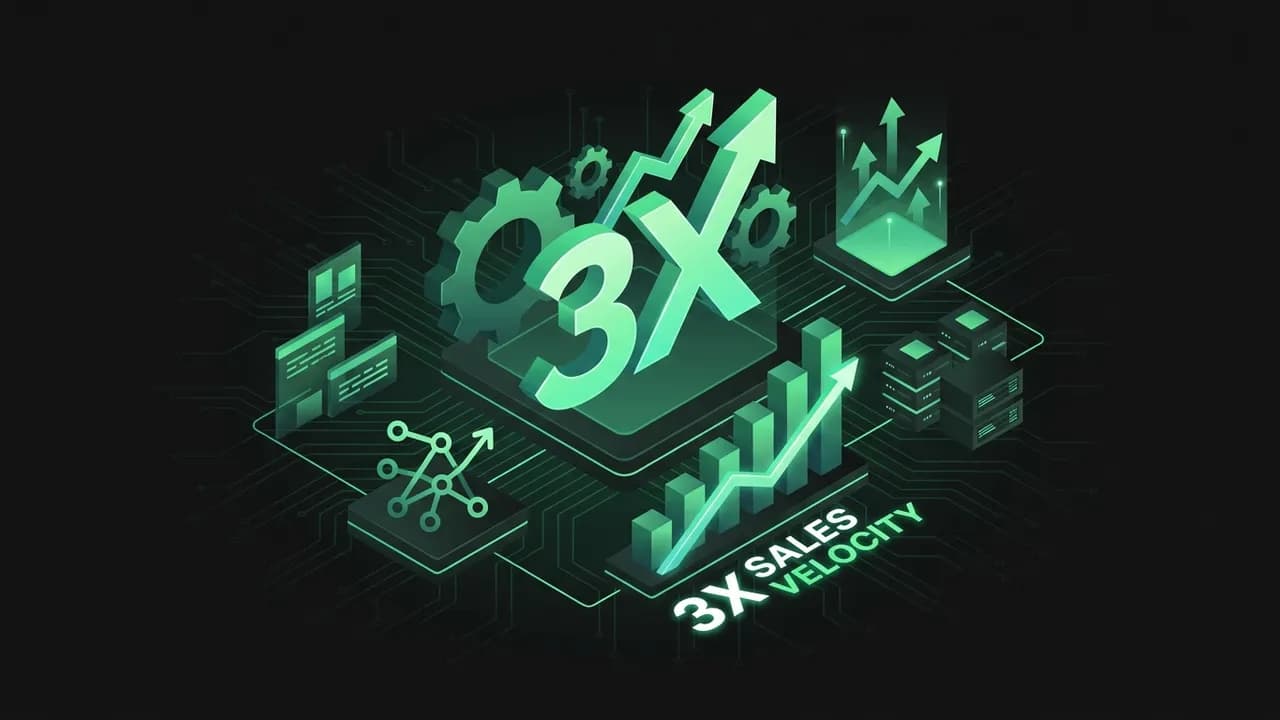
The Success: The 'No-Manager' Sales Team
A B2B software company grew from $1M to $5M with only 2 salespeople.
The Strategy: They replaced their Sales Manager with a suite of automations. They automated lead sorting (Stage 2), meeting scheduling (Stage 3), and entire follow-up sequences (Stage 5). Their reps literally only talked to people who were ready to buy.
The Result: Their 'Cost of Sales' plummeted while their 'Win Rate' increased by 40%. Because the reps weren't burnt out by admin work, they were 'On' for every call. They proved that sales isn't just a 'Numbers Game'; it's a 'Systems Game.' By automating the 'Friction,' they scaled revenue faster than their competitors who were busy hiring more bodies.
Why This Worked
The company designed automation around bottlenecks rather than buying random tools. It identified exactly where deals slowed, where reps lost time, and where follow-through failed, then built systems to close those gaps.
The Lessons Founders Miss
Sales automation is not about replacing salespeople. It is about protecting selling time, standardizing quality, and making execution less fragile as lead volume grows.
Common Failure Modes
Over-Automation: Sending robotic messages that destroy trust.
Bad Scoring Logic: Routing low-fit leads to expensive human effort.
Dirty Integrations: Letting tools sync incomplete or duplicated data.
Stage Drift: Allowing deals to sit in the wrong pipeline stage.
No Ownership Rules: Automating steps without assigning who resolves exceptions.
What A Healthy CRM Looks Like
A healthy CRM is current, trusted, searchable, and operationally useful. Reps open it because it helps them win, not because management forces them to log activity.
Questions Founders Should Ask
Great Systems Make Coaching Easier
When activity, stage health, and follow-up quality are visible inside the CRM, coaching improves because managers can diagnose behavior precisely instead of relying on anecdotes and guesswork. Teams improve faster every week.
The Final Principle
A great sales system removes friction for both the buyer and the team. When the pipeline captures truth automatically and pushes the next best action consistently, revenue becomes less dependent on memory, heroics, and luck.
Key Takeaways
Pick a CRM by motion and budget: HubSpot for inbound, Pipedrive for outbound simplicity, Zoho for value (esp. Indian startups).
Engineer a 'frictionless pipeline' — auto-capture leads, auto-assign, and update stages from activity, not manual edits.
Avoid the 'CRM landfill': if updating the CRM isn't nearly automatic, reps won't, and the data becomes worthless.
Use lead scoring so reps spend time on the hottest deals instead of every record equally.
Don't over-customize early — start simple and add automation as the sales process stabilizes.
Frequently Asked Questions
What is a CRM and why do startups need one?
What is the best CRM for startups?
How do you build an automated sales pipeline?
What are examples of CRM and sales automation?
What are common CRM mistakes startups make?
How do you compare HubSpot vs Pipedrive vs Zoho CRM?
Your Turn: The Action Step
Frictionless Sales Pipeline Designer
Design a 5-stage automated pipeline (enrich → score → schedule → prep → follow-up) and a 100-point lead-scoring model so reps only touch high-probability leads.
Design the Enrichment layer
What fires when a lead enters, and what data gets auto-appended? Name the tool.
Build the 100-point lead score
Allocate points across Fit, Intent, and Authority. They must total 100.
| Dimension | Signals that earn points | Max points |
|---|---|---|
Set the scoring gate thresholds
Define the score bands and what each routes to (human demo / nurture / self-serve).
| Score band | Goes to |
|---|---|
Wire the Auto-Scheduler + Prep Bot
How does a qualified lead book without email tennis, and what does the rep get before the call?
Define the Post-Call Trigger
What automation captures next-steps and sends the promised follow-up automatically?
Set the Auto-Kill protocol
After how many touches / days of silence does the CRM archive the lead?
Before you close this
0/5 doneYour answers are saved in this browser only. Use “Download as PDF” to keep a copy.
Your Startup Is Not Growing… Now What?
Ready to apply this?
Stop guessing. Use the Litmus platform to validate your specific segment with real data.
Automate Your Growth